
Ready to deploy
Can be pre-installed, configured and tested before deployment.
Inspiring Knowledge Education Software
Learning, ready from the first power-on.
Download product sheet PDF
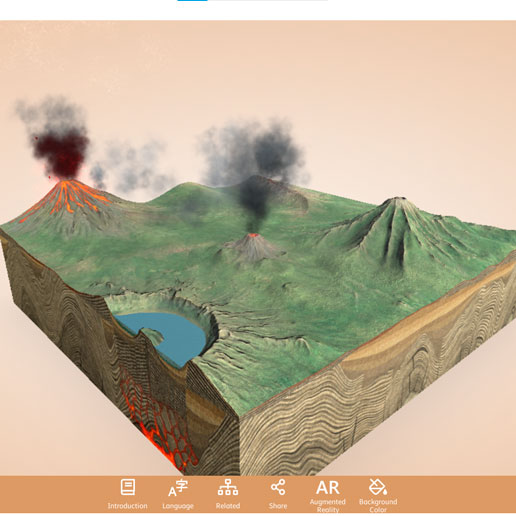
Interactive software preview. Final tools vary by project.
Prepared for the requirements of each education project. Ready for real-world implementation.
ikES brings together pedagogically vetted learning applications, creative and collaborative tools, and optional classroom management, security and device control capabilities in one configurable environment.
Approved technology partners and applications that may be included in ikES, depending on the project, market and licensing requirements.






Microsoft · Intel · Canva · GeoGebra · Adobe · Mozaik Education · NetSupport · Code4All · Corinth 3D · Foxit · SafeToNet · Absolute · Classplash · CloudLabs · Radix · ArtRage · IMTLazarus
Can be pre-installed, configured and tested before deployment.
Applications selected with educational purpose, not simply added to a device.
A clearer software foundation across schools and devices.
Classroom management, security and device control options may be included.
Selected tools and resources can support offline use in variable-connectivity environments.
Local or private AI options may be included where required and technically supported.
The value lies in having the right tools — selected for their educational relevance, matched to the project and brought together in one consistent environment.
Explore a capability. Add the ones that matter to your project.
Build knowledge through science, technology, engineering, arts, mathematics, coding, simulation and hands-on exploration.
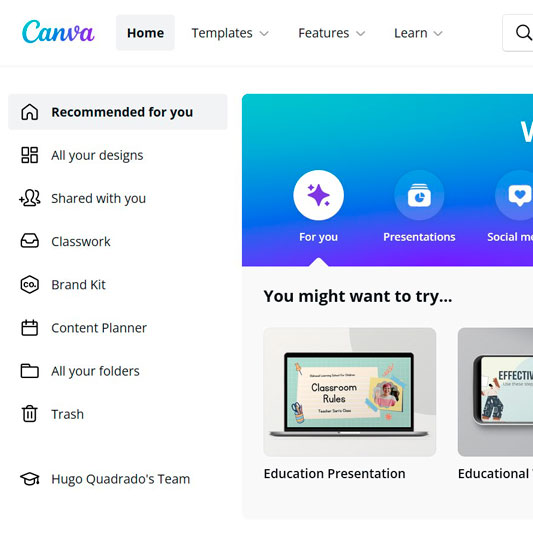
Give learners more ways to communicate visually, make music, develop ideas and create digital content.
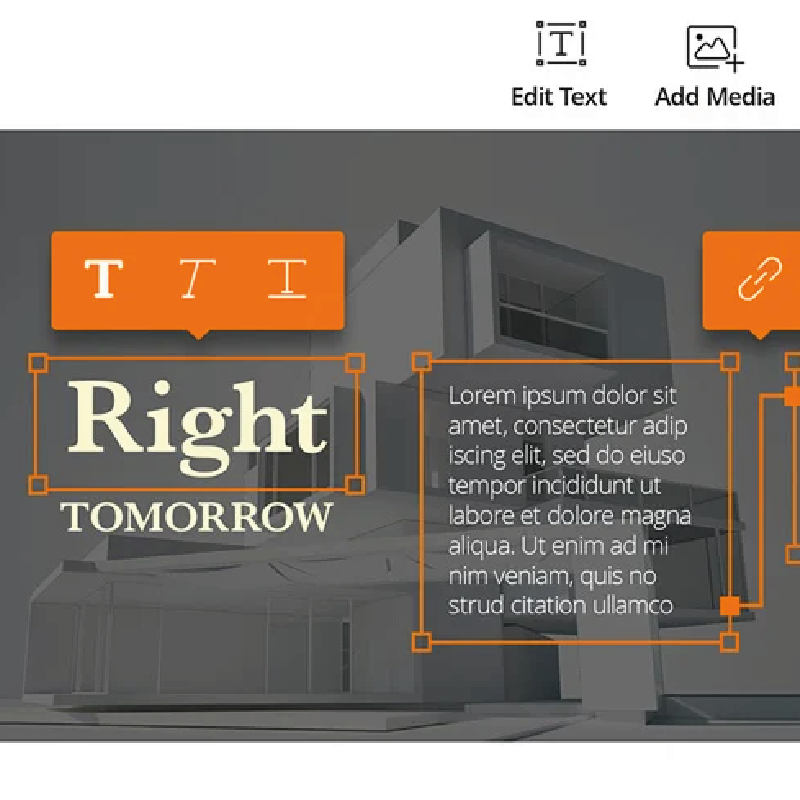
Support individual work, teamwork, communication and shared classroom activities.

Help educators share screens and resources, guide attention and manage digital classroom activity.
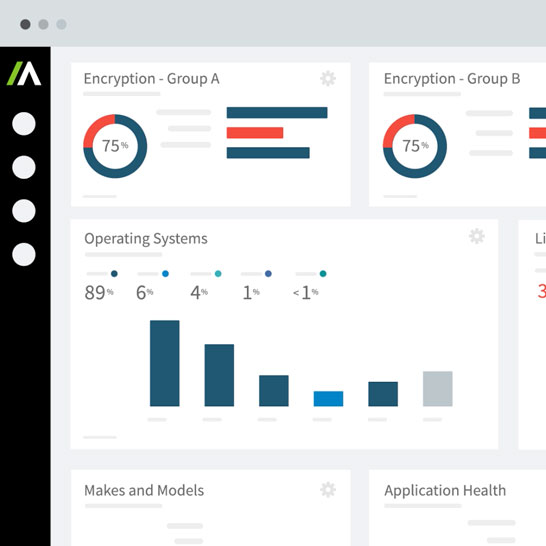
Add endpoint protection, device visibility, remote protection and theft-deterrence capabilities where required.
Keep selected learning activities available when continuous internet access cannot be guaranteed.
Options are defined around your institution’s requirements.
Support controlled uses of AI designed around the institution’s technical, data and privacy requirements.
Published application imagery shown as examples. Software availability, offline use, compatibility and licensing are confirmed for each project.
The right tools, selected with purpose.
ikES is delivered as part of jp.ik’s broader approach to technology projects for education.
Technology projects should not lose momentum between arrival and adoption.
ikES can be prepared before deployment, helping institutions create a more consistent software environment across their devices and reducing the need for each school to select, install and configure tools individually.
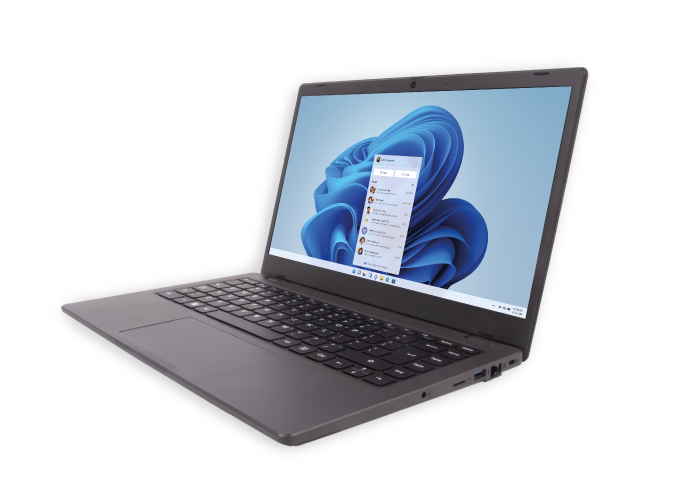

A better-prepared device. A faster path to meaningful use.
A learning environment also needs to be manageable.
ikES configurations may include classroom management, endpoint protection, device visibility, mobile device management and theft-deterrence capabilities — supporting educators in the classroom and IT teams across the project.
Help educators manage attention, distribute resources and support interaction with students.
Add security and endpoint protection capabilities suited to the project.
Improve visibility and control across schools, classrooms and devices.
The management layer can be configured to coexist with an institution’s existing technology environment, subject to compatibility and project requirements.
Education projects operate across different levels of connectivity, digital readiness and IT capacity.
ikES can be adapted to these realities through pre-installed tools, selected offline-ready resources and project-specific configuration.
Selected applications and locally installed resources can continue to support essential activities when continuous internet access is unavailable.
A more consistent environment reduces setup complexity for schools and educators.
The software foundation can be adapted to the learners, objectives, devices and implementation conditions.
Where required and technically supported, local or private AI capabilities may be included according to the institution’s data, privacy and implementation requirements.
Prepared for the reality of education.
ikES gives students access to selected tools that support exploration, creativity, collaboration and hands-on learning.
By bringing these tools together in one consistent environment, technology becomes an active part of the learning experience.
Educators receive a more consistent environment with tools selected to support classroom activities, collaboration and student engagement.
Less time preparing individual applications means more time to focus on how technology can support learning.

ikES helps IT teams establish a more consistent software baseline across the project.
Depending on the selected configuration, it may include security, management, monitoring and theft-deterrence tools that support visibility and protection throughout the device lifecycle.
Curated for education. Configured for the project.
A clearer view of how ikES fits your education project.
ikES is jp.ik’s curated education software ecosystem. It brings selected learning applications, classroom tools and optional security and management capabilities together in one configurable environment.
No. ikES provides a curated and manageable software foundation on the device. It can complement existing classroom and productivity platforms, depending on the project configuration.
Selected ikES tools and locally installed resources can support offline use. The exact offline capabilities depend on the applications and configuration selected for the project.
Yes, subject to technical compatibility. The management layer can be configured to coexist with an institution’s existing MDM. Integration requirements are evaluated as part of the project scope.
It may. Depending on the selected configuration, ikES can include endpoint protection, device visibility, mobile device management, classroom management and theft-deterrence capabilities.
Yes. The curated ecosystem provides a validated starting point. Additional applications can be evaluated according to their educational relevance, compatibility, security and licensing requirements.
Where required and technically supported, configurations may include local or private AI options designed around the institution’s data, privacy and implementation requirements.
No. Content and capabilities vary according to the project, device, market, operating system and software licensing.
Build a learning environment around your project.
From learning and creativity to classroom management, security and device control, ikES brings selected elements together in one configurable environment.
Learning, ready from the first power-on.
The content and capabilities of ikES may vary according to the project, device, market, operating system and software licensing. Partner applications should only be presented where their availability and licensing have been confirmed.
Options are defined around your institution’s requirements.
